VEDIT Macro Language
Purpose of Program
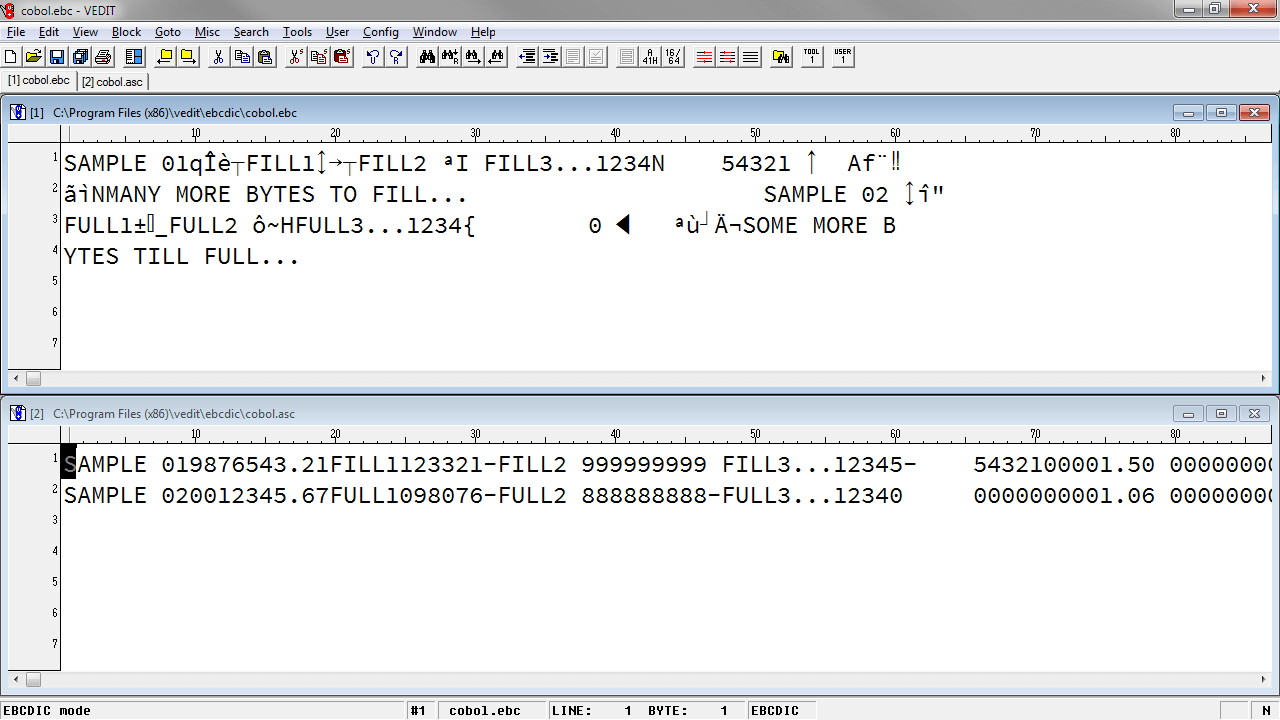
VEDIT is an editor/translator designed not only for text preparation and program development, but also for editing large database, mainframe, and binary files. It can edit in ASCII, EBCDIC, Hexadecimal, Octal or any combination of modes. It supports variable length and fixed length database records.
The powerful macro language makes VEDIT an ideal alternative to conventional programming languages such as Basic, C or Pascal when writing file translators, converters, and filters. A single-line "macro" can often perform the equivalent of a 100+ line C program. Translation between ASCII and EBCDIC , and sorting are built in.
Since VEDIT can efficiently edit any type of file, including binary/data files and huge files up to 2 Gigabytes (2000 Megabytes) in size, it is ideal for editing and translating files downloaded from Mainframe computers and CD-ROM data files.
VEDIT can process entire groups of files automatically. For example the same edit changes can be applied to all files in directory, or even in all subdirectories.
Powerful, Easy to Use Macro Language
In normal "Visual Mode" editing, VEDIT is identical to VEDIT and has all of its features. However, VEDIT additionally has an interactive "Command Mode" which gives instant access to over 250 powerful macro language commands using a C-like programming syntax. (In computerese: The VEDIT macro language is interpreted and not compiled.)
This "Command Mode" makes the VEDIT macro language exceptionally easy to use. (It is much, much easier to learn and use than C.) Any desired sequence of commands can be entered at the "COMMAND:" prompt. The command(s) execute immediately when you press <Enter>; the main window lets you observe the effect the command(s) had on your field. Yes, there is undo.
The macro language is ideal for automating any repetitive editing operations. Macros can be saved as files for future use, can assigned to "hot-keys" to add custom editing features and can be added to the {USER} menu. Macros can easily be modified as needed.
VEDIT can be used as an application programming language. Most macros developed with VEDIT only require VEDIT to run (e.g., the below, list of provided macros in this demo). With many applications, users would need to know little or even nothing about VEDIT itself.
The 300+ page VEDIT Macro Language Reference Manual describes this in detail.
Macro Language Features
- Instant access to over 250 powerful commands. Any desired sequence of commands can be entered at the "Command:" prompt. Allows "off-the-cuff" macros; there is no compiling.
- Command Mode window. Visual and Command Mode can operate in separate windows - you can observe the effect of Command Mode commands in the Visual Mode window. This is both a useful learning and debugging tool.
- Extensive on-line help describes each command and its options. Many short examples are given.
- Extensive set of file handling commands to open, close, and save files, manage buffers and windows. Files can be copied, moved and renamed. file attributes can be checked or changed.
- Command oriented configuration. All aspects of the configuration can be examined and modified with the macro language.
- Command macros (programs) can be saved and loaded as files, can be permanently assigned to a "hot-key" (keystroke macro) or added to the {USER} menu.
- Commands permit editing the character, line, block or file. Character, columnar and line oriented blocks are supported.
- Complex macros can be simplified and modularized by splitting them into "subroutines". Other macros can accessed by a "Call" or "Chain" command.
- Command macros can be automatically executed when VEDIT is invoked.
- "Bomb proof" macros can be written that return to a main menu (or perform other operations) when unusual conditions occur.
- Event macros. Special macros can be executed for each file opened and closed. Permits automatic file translations or checking a file's integrity before it is save to disk. Ability to create custom "Template Editing" macros.
- On-line calculator. any algebraic expression entered in the "COMMAND:" prompt is immediately calculated and displayed in either decimal or hexadecimal.
- Complete numerical capability with 32 bit resolution (+/-2,147,483,613). Complete set of "C-like" numeric, relational and logical expressions. Over 100 numeric variables.
- Over 100 text register can be used as "cut and paste" buffers, string variables or to hold subroutine macros. Supports variable filenames, search/replace strings and much more.
- "C-like" program flow control with While, Do-while, For, If-then, If-then-else, Goto, Break, Continue and Return statements. Also additional flow control statements not found in C.
- Powerful search and replace can use pattern matching or regular expressions. Flexible options can select character or columnar block search/replace, selective or global replace, search every 'nth occurrence and much more.
- Flexible matching and compare commands for numeric, character and string testing.
- Interactive input and output. Messages and prompts can be displayed under macro control. Input can be in the form of single characters, character strings, numbers, or numerical expressions.
- Keyboard layout can be dynamically changed. Individual key assignments can be added or deleted, keystroke macros can be defined, a complete new layout can be loaded from disk.
- Command macros can be also access any basic editing functions or menu items.
- Flexible window control. Creating, deleting, size, position and color of windows is fully programmable. Address, write and erase any window. Permits writing application programs with windows, menu prompts and forms entry.
- Macro language can shell out to the operating system to execute other programs and OS commands.
- (Windows/DOS only) Access to hardware. Memory and I/O ports can be examined and modified. DOS functions, BIOS functions and interrupts can be directly called. Blocks of memory can be read and written. Assembly language routines can be stored in VEDIT's memory spaced and called from the macro language.
- When necessary, macros can easily be debugged using breakpoints, tracing and debugging window.
Macro Samples
VEDIT is supplied with numerous ready-to-run macros. The table in the Macro Library gives a partial list of the supplied macros that can be loaded/executed from the trial version of VEDIT.
Loading/Executing Macros in VEDIT:
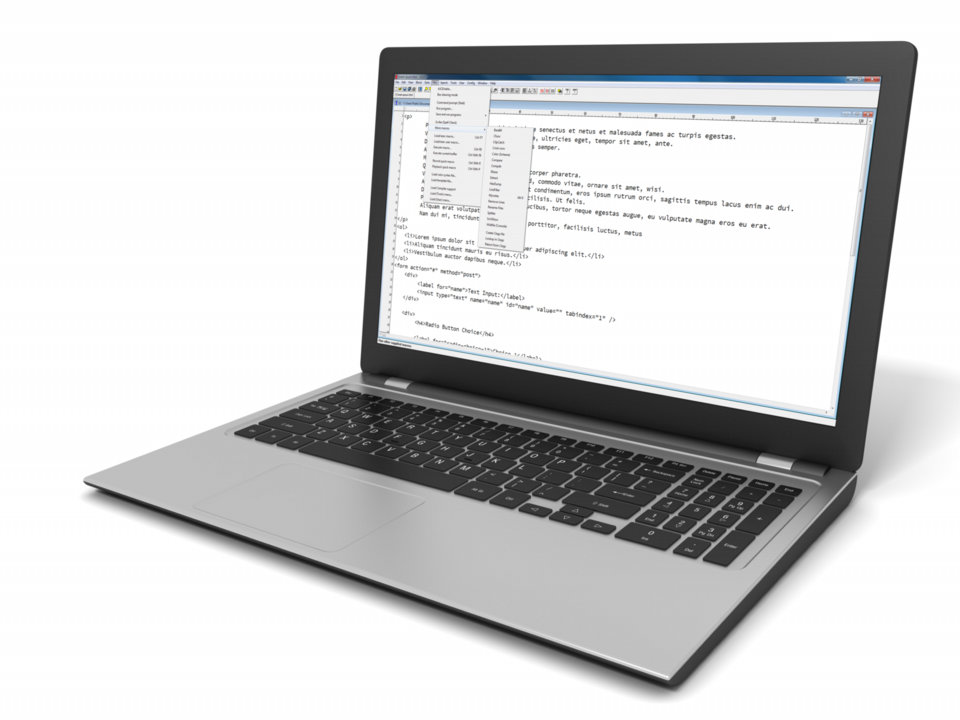
- From the {MISC} menu, select {MISC, Load/execute macro}, or press the hot-key <Ctrl-F7>.
- A "Load/execute" dialog box will appear containing a list of macros. Similar to other {File, Open} dialog boxes, select the macro you wish run.